

Steps to Integrate Zoho CRM and Recotap
Open Integrations in Recotap
- Log in to your Recotap account.
- Click the Settings icon in the top-right corner.
- Navigate to Workspace → Integrations.
- The Integrations page displays all applications currently available to connect with Recotap.
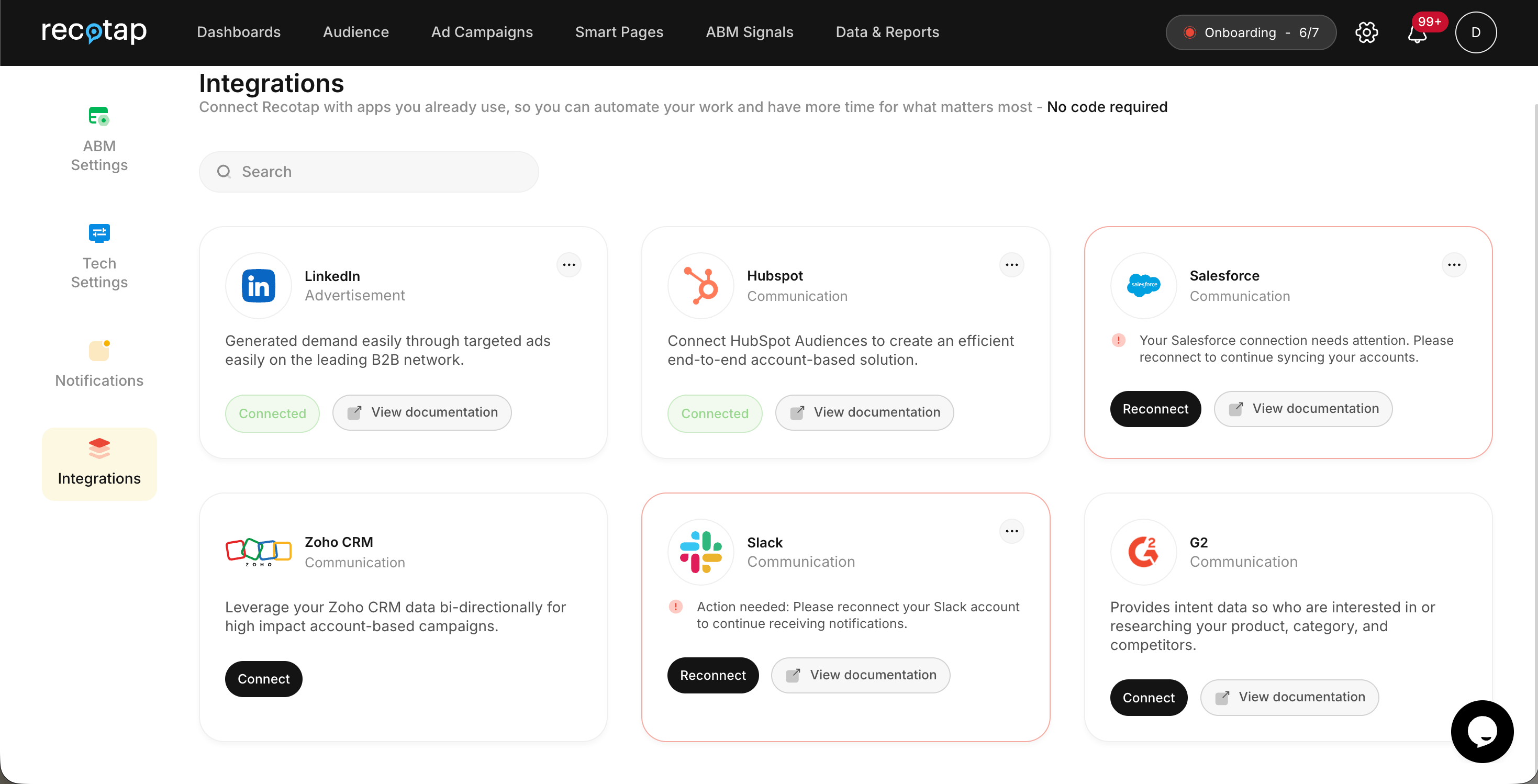
Connect Zoho CRM
Locate Zoho CRM and click Connect. You will be redirected to Zoho to authorize Recotap to access the required CRM information.Authorize Recotap in Zoho
Review the permissions requested by Recotap. The authorization screen displays the Zoho CRM data that Recotap requires access to for account synchronization and field mapping. Select: “I allow Recotap to access the above data from my Zoho account.” Then click Accept.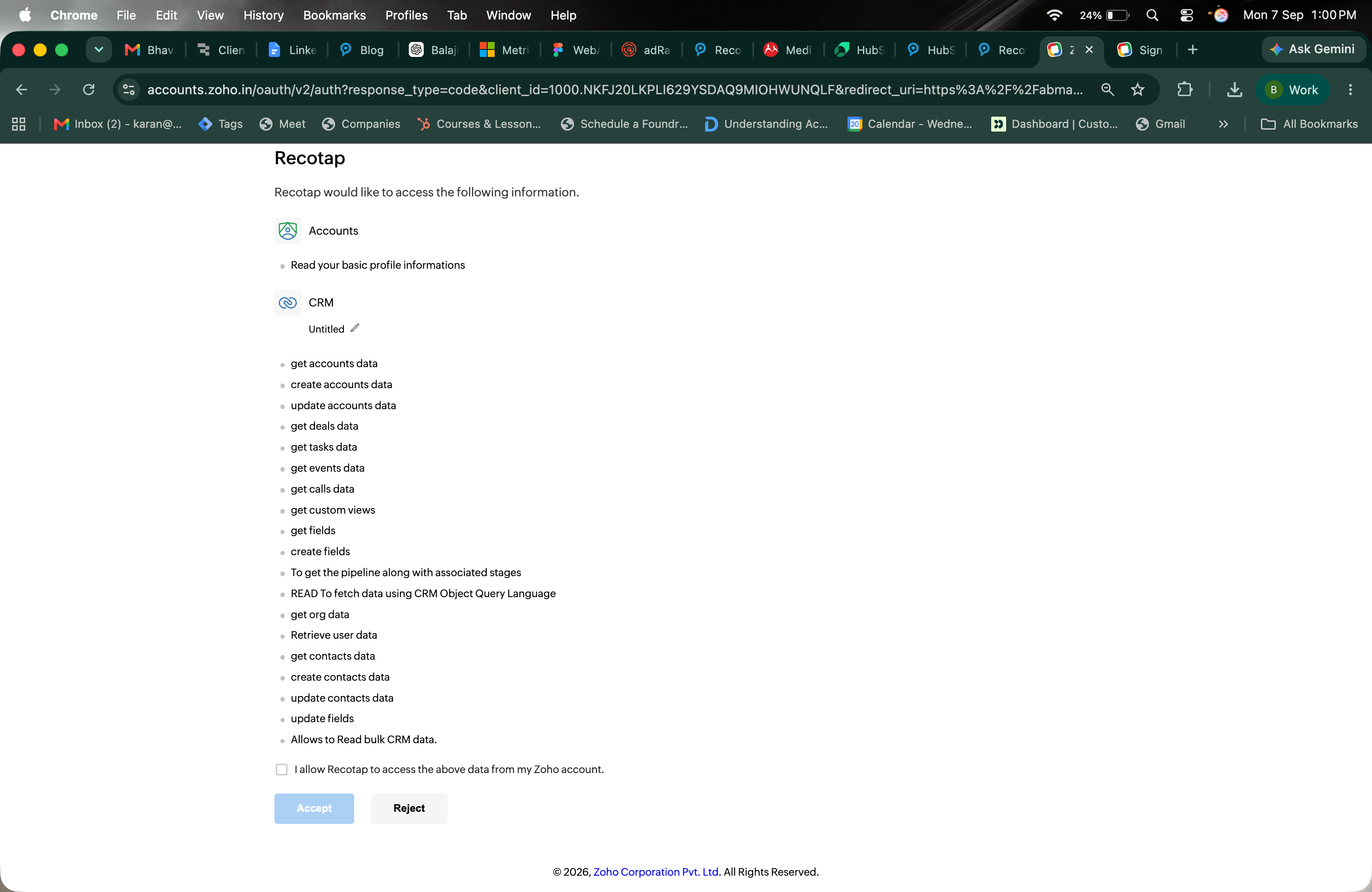
Integration Complete
After authorization is completed successfully, you will be redirected back to Recotap. The Zoho CRM integration card will display the status: Connected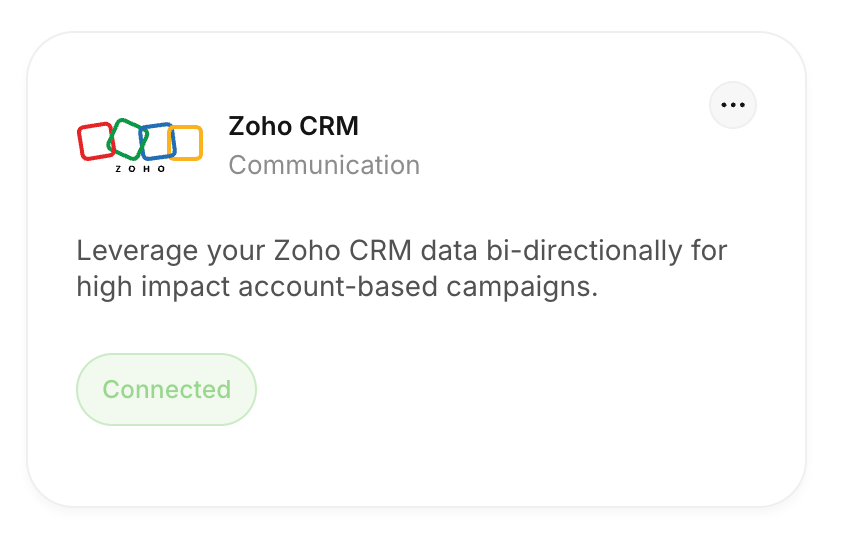
Configuration and Mapping of Properties After Zoho CRM Integration
After connecting Zoho CRM, configure the property mapping to determine how account information should be synchronized between Zoho CRM and Recotap.Steps to Configure Property Mapping
Open Zoho CRM Configuration
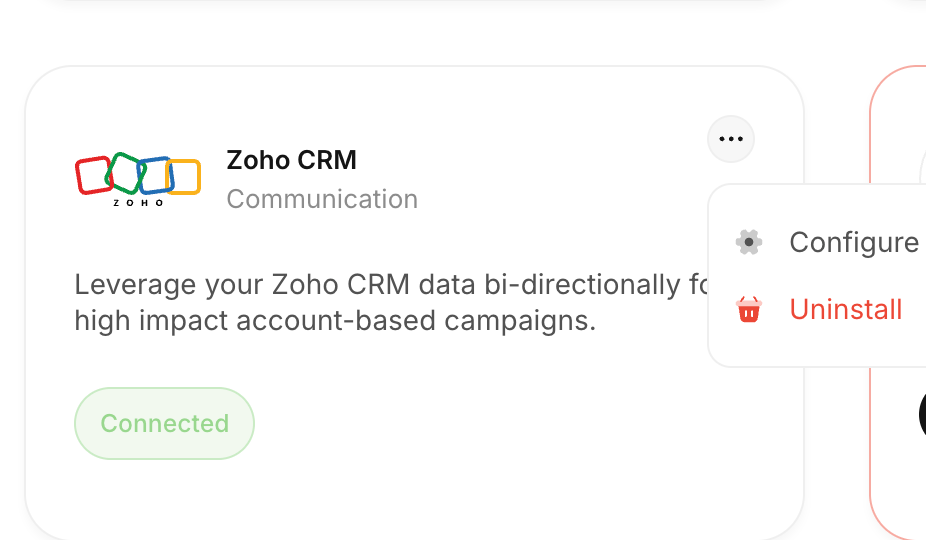
From the Integrations page:- Locate Zoho CRM.
- Click the three-dot menu (…).
- Select Configure.
Map Account Properties
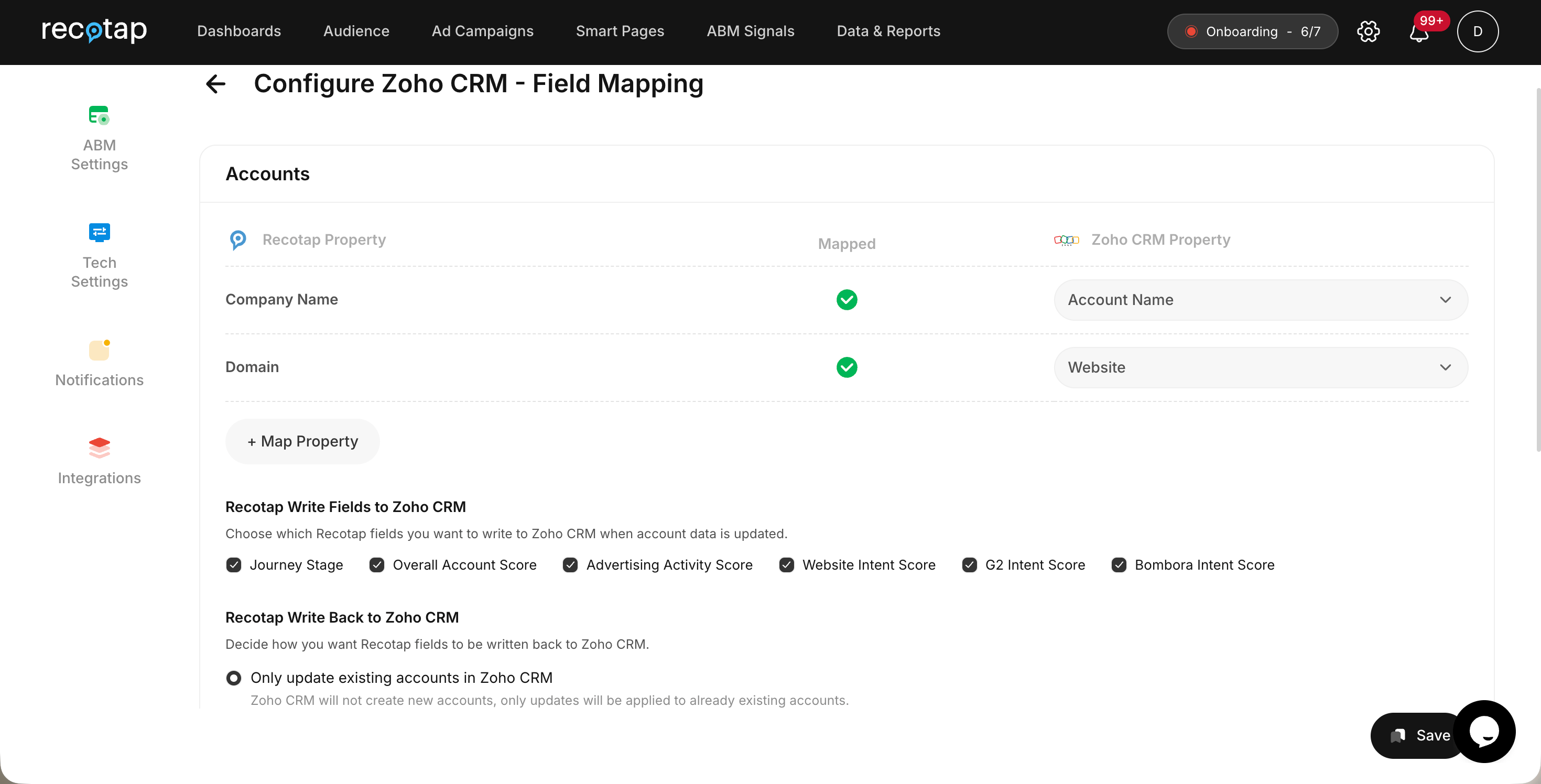
The Configure Zoho CRM – Field Mapping screen allows you to map Recotap account properties with the corresponding properties in Zoho CRM. The default mappings include:
A green checkmark under the Mapped column confirms that the property has been mapped successfully.
To map additional properties, click + Map Property and select the required Recotap and Zoho CRM fields.
Advanced Configuration Options
Once the primary account properties are mapped, you can configure which Recotap insights should be written back to Zoho CRM.Recotap Write Fields to Zoho CRM
Choose which Recotap fields should be written to Zoho CRM when account information is synchronized. Currently available fields shown in the configuration include:- Journey Stage
- Overall Account Score
- Advertising Activity Score
- Website Intent Score
- G2 Intent Score
- Bombora Intent Score
Recotap Write Back to Zoho CRM
Configure how Recotap should update account information in Zoho CRM. Only update existing accounts in Zoho CRM When this option is selected, Recotap updates accounts that already exist in Zoho CRM. New accounts will not be created in Zoho CRM through this configuration. This option is useful when Zoho CRM should remain the system responsible for creating new account records while Recotap only enriches or updates existing accounts.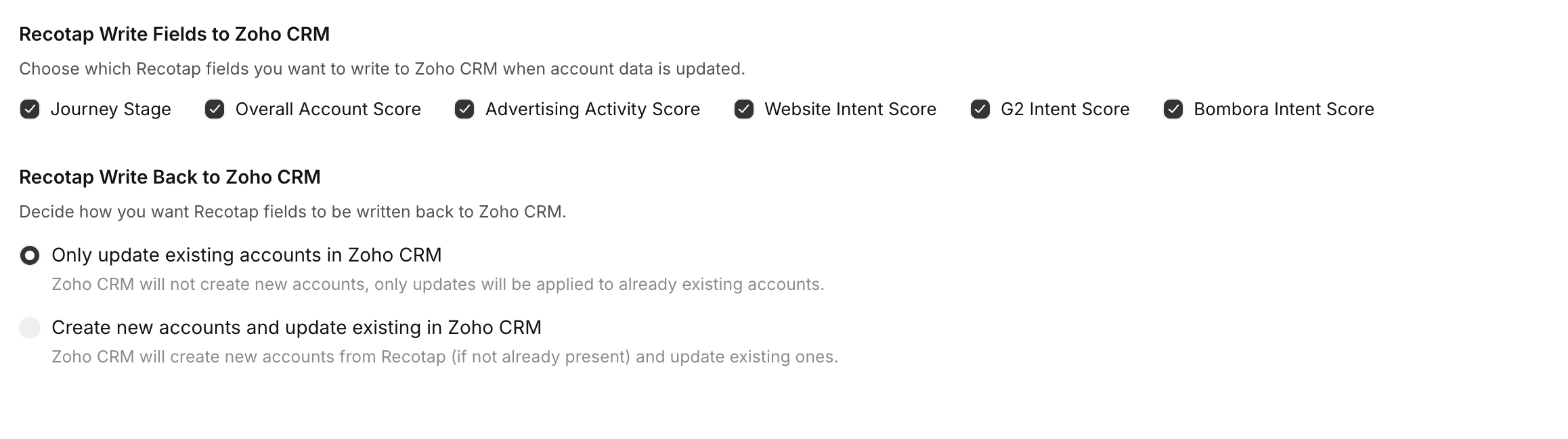
Save the Configuration
Once the mappings and write-back settings have been configured:- Review the selected properties.
- Confirm that the required mappings show the green Mapped indicator.
- Click Save.